
Getting Started With Gmail Organization
Learn how to set up labels, filters, and folders so your inbox stays manageable. Takes about 20 minutes to organize everything properly.
Master Gmail setup, cloud file organization, and attachment handling for digital confidence
Practical guides to help you get started with email and cloud storage
Learn how to set up labels, filters, and folders so your inbox stays manageable. Takes about 20 minutes to organize everything properly.
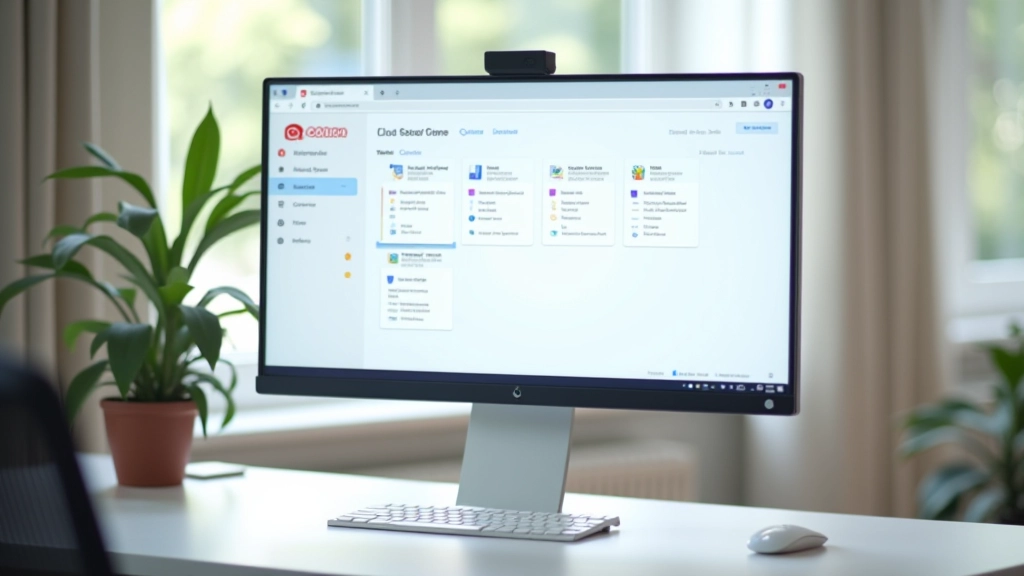
Understand the difference between local storage and cloud backup. This guide covers Google Drive basics and why cloud storage matters for your documents.
Don't let attachments slow down your inbox. We show you how to handle large files, compress documents, and use cloud links instead of attachments.
Strong passwords and two-factor authentication aren't optional anymore. Learn the practical steps to secure your accounts in 10 minutes.
Follow these steps to build your digital skills from the ground up
Create a Gmail account or organize your existing one. Start with the basics — labels, folders, and automatic sorting rules. Most people finish this in 15-20 minutes once they understand the system.
Google Drive, OneDrive, or Dropbox — understand what each offers and why they're useful. Create your first folder, upload a document, and practice organizing files by category or date.
Instead of cluttering your inbox, learn to send cloud links for large files. This saves storage space and makes sharing easier. It's one of those skills that seems complicated until you do it once.